Secure Computing SG550 Dokumentacja Strona 12: Ethernet Port LEDs
 1
 2
 3
 4
 5
 6
 7
 8
 9
 10
 11
 12
 13
 14
 15
 16
 17
 18
 19
 20
 21
 22
 23
 24
 25
 26
 27
 28
 29
 30
 31
 32
 33
 34
 35
 36
 37
 38
 39
 40
 41
 42
 43
 44
 45
 46
 47
 48
 49
 50
 51
 52
 53
 54
 55
 56
 57
 58
 59
 60
 61
 62
 63
 64
SSG 500-series Installation and Configuration Guide
12
�
Front Panel
Ethernet Port LEDs
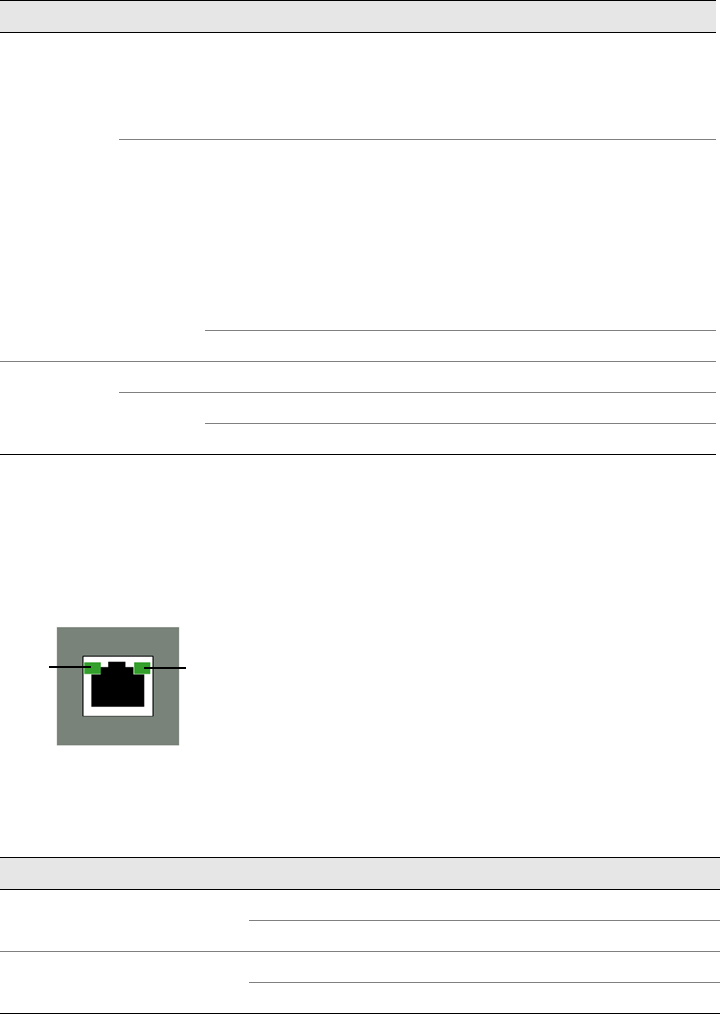
The Ethernet LEDs show the status of each Ethernet port. Figure 3 displays the
location of the LEDs on each Ethernet port.
Figure 3: Activity Link LEDs
Table 3 describes the Ethernet port LEDs.
ALARM
Red
On steadily
Critical alarm:
�
Failure of hardware component or software
module
�
Firewall attacks detected
Amber
On steadily
Major alarm:
�
Low memory (less than 10% remaining)
�
High CPU utilization (more than 90% in use)
�
Session full
�
Maximum number of VPN tunnels reached
�
HA status changed or redundant group member
not found
Off
No alarms
HA
Green
On steadily
Unit is the primary (master) device
Amber
On steadily
Unit is the secondary (backup) device
Off
High availability not enabled
Table 2: Device Status LED Descriptions (Continued)
Name
Color
Status
Description
Table 3: Ethernet Port LEDs
Name
Function
Color
State
Description
LINK
Link
Green
On steadily
Port is online
Off
Port is off line
TX/RX
Activity
Green
Blinking
Port is receiving data
Off
Port might be on, but it is not receiving data
LINK
TX/RX
Plik PDF · ·
Pytania o Secure Computing SG550
Nie ma jeszcze pytań o tę instrukcję. Zadaj pierwsze.
Powiązane produkty i podręczniki dla Bramy / kontrolery Secure Computing SG550
- Bramy / kontrolery Secure Computing SG570 Instrukcja Użytkownika
 (23 strony)
- Bramy / kontrolery Secure Computing SG570 Instrukcja Użytkownika
(21 stron)
- Bramy / kontrolery Secure Computing SG570 Instrukcja Użytkownika
(341 stron)
- Bramy / kontrolery Secure Computing SG550 Instrukcja Użytkownika
(297 stron)